How to prep your mix for mastering
The essential steps for sending a clean mix to your mastering engineer. Headroom, formats, mistakes to avoid.
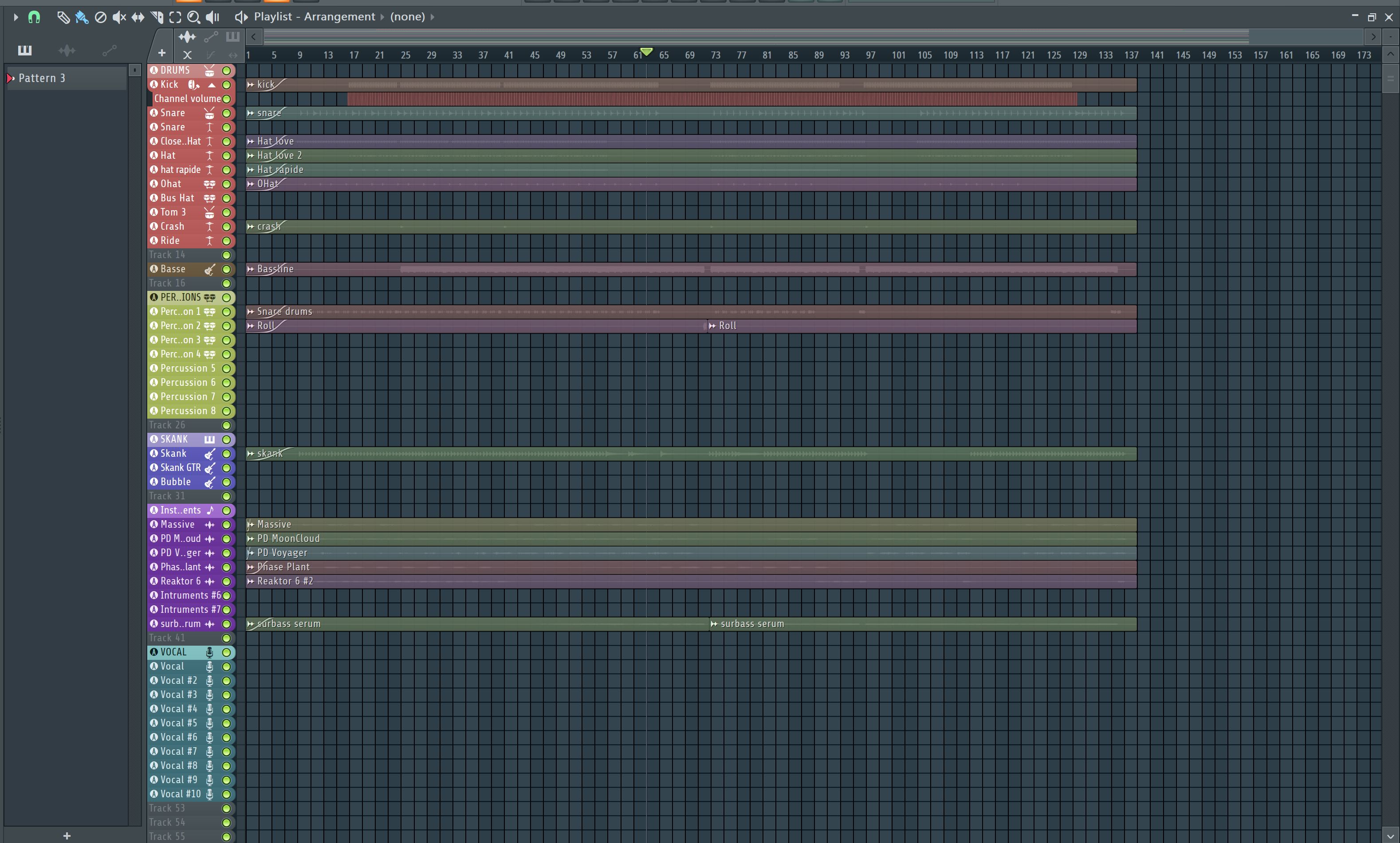
You just finished your mix and you want to send it to mastering. But before you hit "export," there are a few rules to follow so the result is as good as it can be. Here's exactly what to do.
1. Leave some headroom
Headroom is the space between the loudest peak of your mix and 0 dBFS. Aim for -3 dB to -6 dB of headroom on your master bus. That leaves room for the mastering engineer to work without clipping.

Tip
If your mix peaks at 0 dB or above, just pull down the master bus fader. Don't touch the individual channel faders.
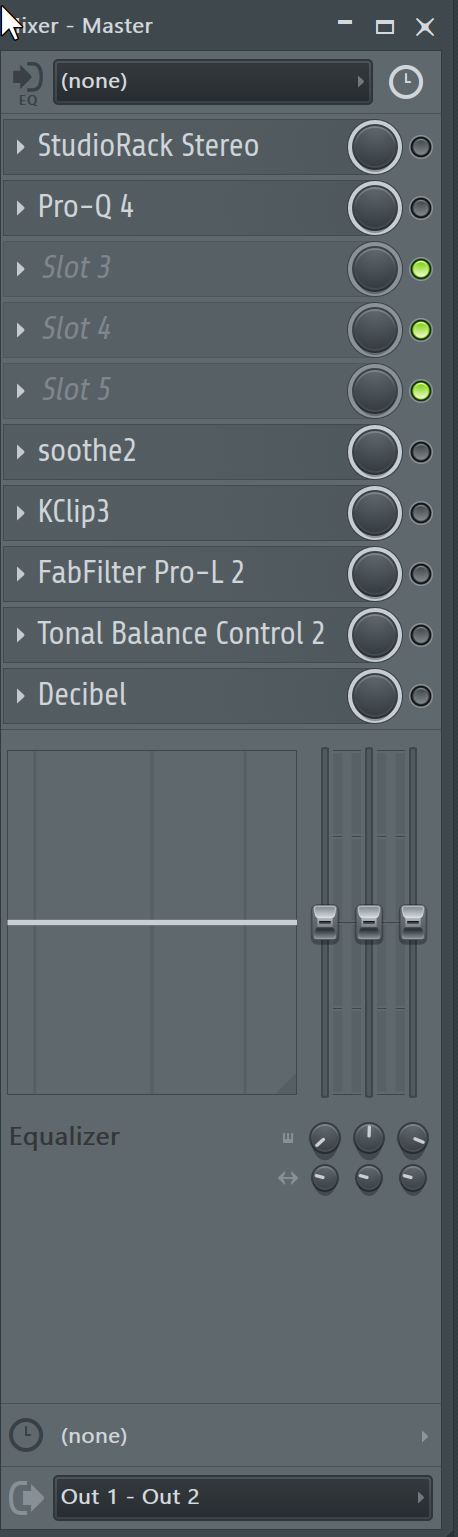
2. Remove the limiter from your master bus
This is the most common mistake. If there's a limiter, a maximizer or a compressor on your master bus, bypass it before exporting. The mastering engineer is going to apply their own processing — if your mix is already squashed, they can't do their job properly.
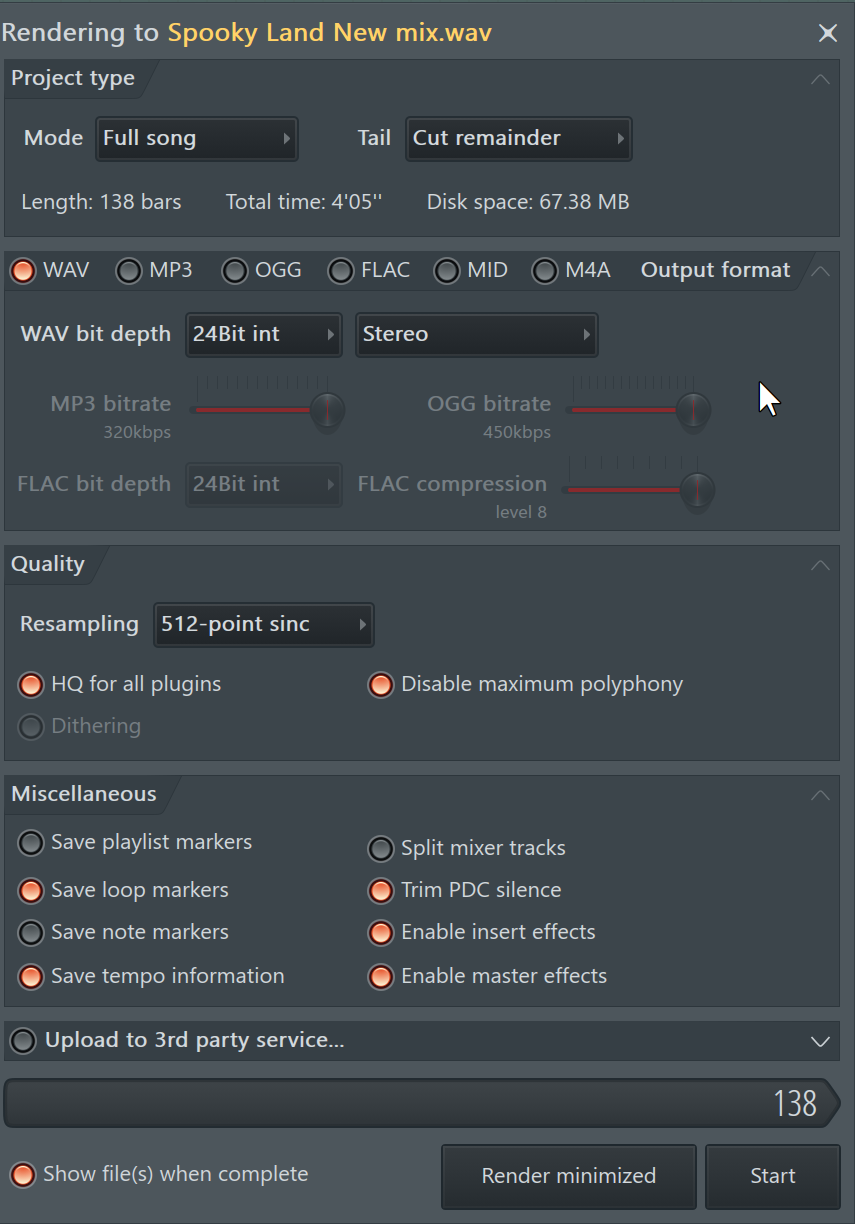
3. Export in WAV 24-bit (minimum)
Always export in WAV or AIFF, never MP3. MP3 compresses audio data irreversibly — the mastering engineer can't get back what's been lost.
Recommended formats:
- —WAV 24-bit / 44.1 kHz — the standard
- —WAV 24-bit / 48 kHz — if you mixed at 48 kHz
- —WAV 32-bit float — even better if your DAW supports it
- —Avoid: MP3, AAC, OGG, or any compressed format
4. Check the fundamentals
Before you send it off, do one last check:
- —No clipping (meters never hit the red)
- —No silence at the start or end (or very little)
- —Listen on multiple systems (headphones, speakers, phone)
- —Check mono compatibility (no phase issues)
- —Name your files clearly: Artist - Title (Mix).wav
5. Share your references
Send your mastering engineer 2-3 reference tracks that match the sound you're going for. It helps them understand your artistic direction and tune their processing accordingly.
Tip
On MASTERLAB, you can add per-track notes directly in the order form. Use it to spell out what you want.
Ready to send your mix?
Professional mastering from €11/track. Revisions included.
Order a mastering →